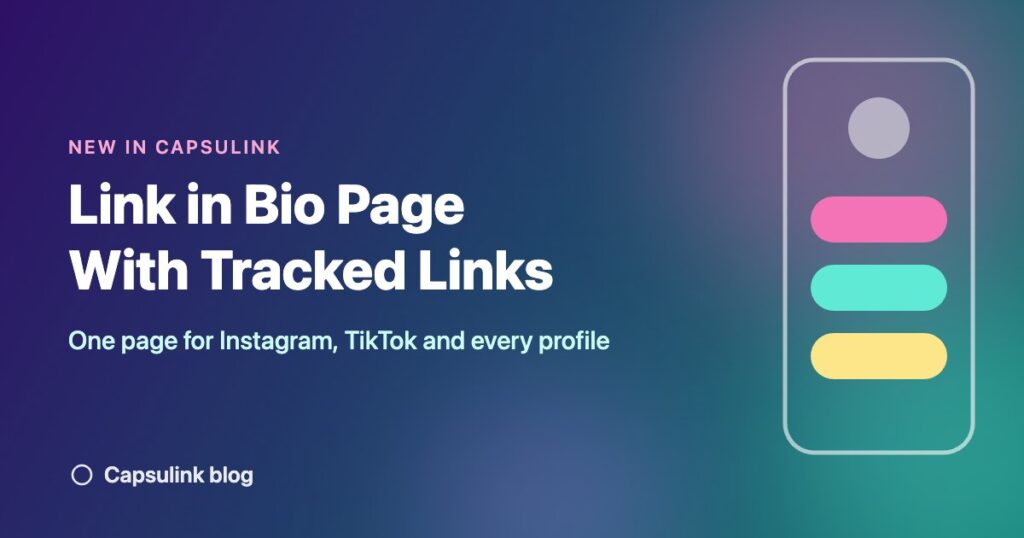

A link-in-bio page puts several links behind the one link a social profile allows. Capsulink has its own Bio page: a public page at capsulink.com/u/yourname with your photo, a short description, social icons and a list of link buttons. The difference from a plain links page is that every button is a Capsulink short link, so each one has its own click statistics.
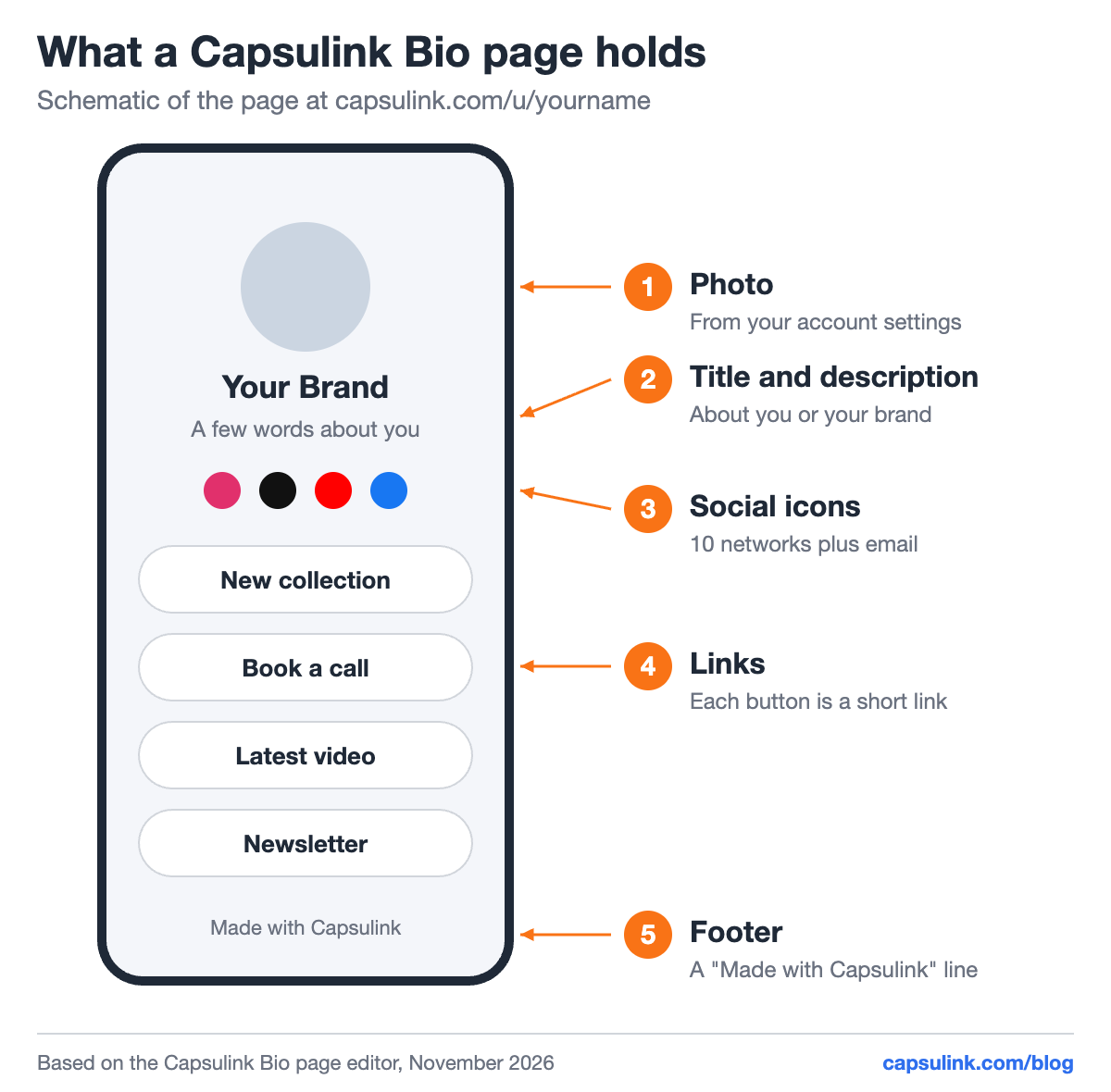
The parts of a Bio page. Schematic, based on the editor.
What goes on the Bio page
| Part | What you set |
|---|---|
| Profile | Title and a description, “a few words about you or your brand” |
| Photo | The photo from your account settings |
| Social icons | Instagram, TikTok, YouTube, Facebook, X, Threads, WhatsApp, Telegram, Pinterest, LinkedIn and email |
| Links | Buttons, each one a short link |
| Visibility | Public on or off |
The page lives at capsulink.com/u/ followed by your username. The editor shows a live phone preview next to the settings, and changes save automatically.
How to set it up
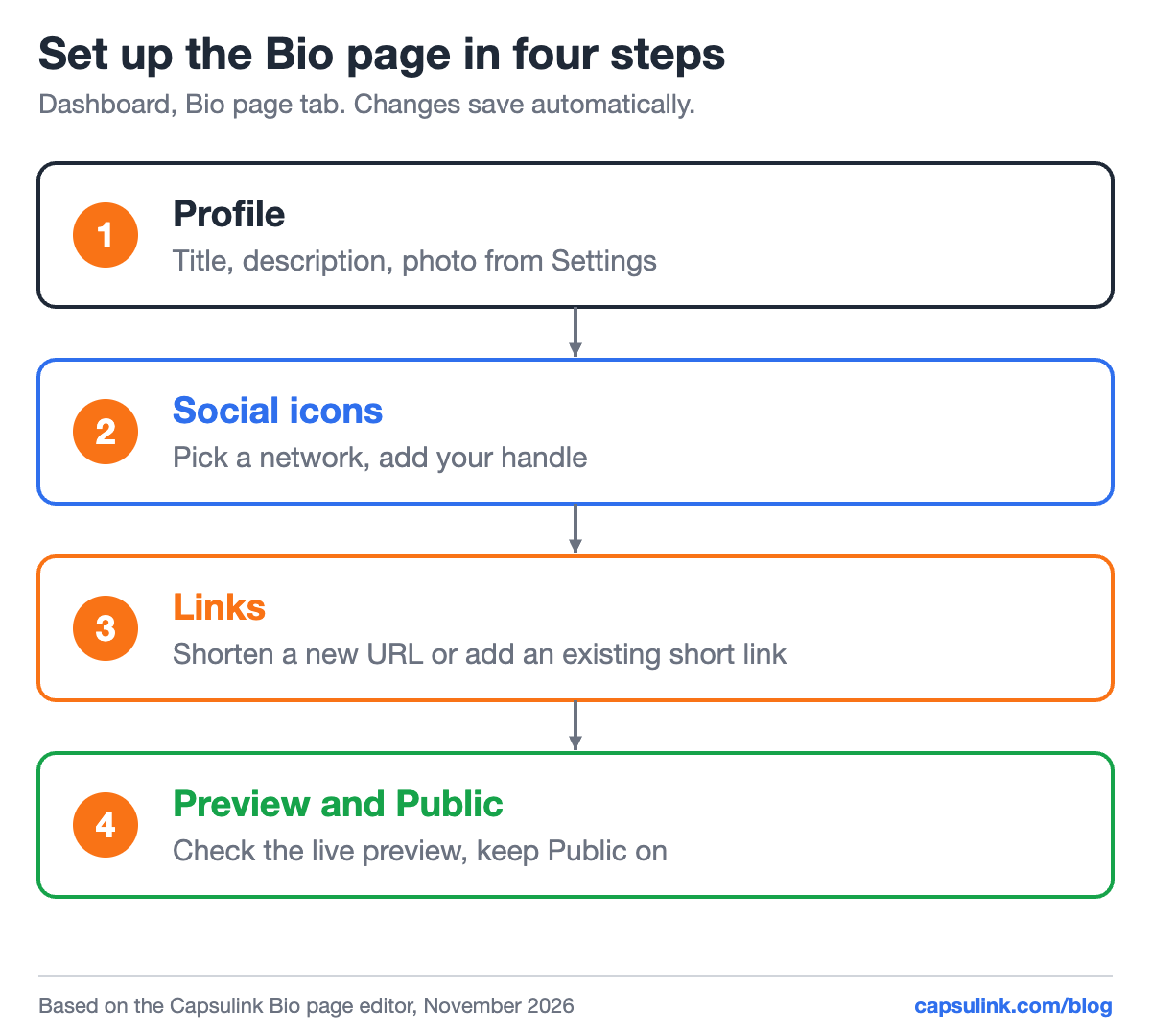
Four steps in the Bio page tab of the dashboard.
- Open the dashboard and click the Bio page tab.
- Under Profile, add a title and a description. The photo comes from your account settings.
- Under Social icons, pick a network and add your handle. Repeat for each profile.
- Under Links, either paste a new URL and click Shorten and add, or pick one of your existing short links from the list.
- Check the preview, keep Public switched on, and copy the page link into your profiles.
When adding a new link, you choose its short domain: cli.re, capsu.link, cli.fm on paid plans, or one of your custom domains (cli.re, cli.fm and capsu.link – which short domain should I use?).
Every button is a tracked short link
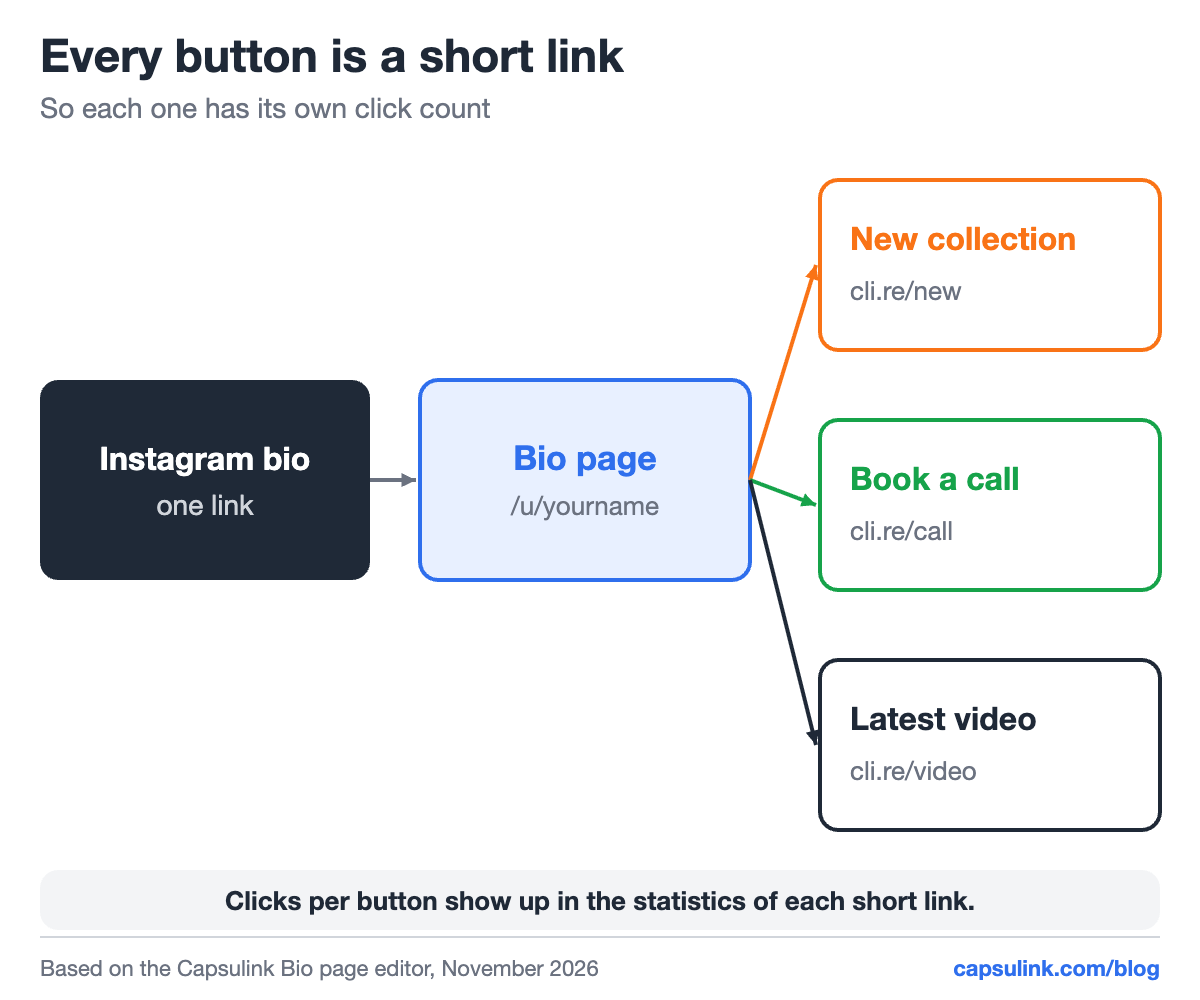
One bio link in the profile, separate click counts per button.
Because each button is a short link, its clicks show up in that link’s statistics, with countries, devices and referrers (How to view and export your link statistics). That answers the question a link list usually can’t: which button people actually tap.
The buttons also keep every short link feature:
- Change a destination without touching the page, on Capsulink Pro and higher (How do I change the destination URL (Target URL) for a short link?).
- Smart rules on a button, for example an app button that sends iPhones to the App Store and Android phones to Google Play. See one link for the App Store and Google Play.
- UTM tags in each destination, so Google Analytics sees which visits came from the bio. See the UTM parameters guide.
Where to use the Bio page link
Any profile with room for one link. A few rules from the platforms decide where it can go:
- Instagram has room for a link in the profile. See how to shorten an Instagram URL.
- TikTok shows a clickable website link to accounts with at least 1,000 followers or a Verified Business Account. See how to add a link to your TikTok bio.
- YouTube allows up to 14 channel links, and the first one shows next to the subscribe button. Links in Shorts descriptions are not clickable. See links in YouTube videos and Shorts.
- Business cards and flyers can carry the page’s QR code, so one code leads to everything. See QR code on a business card.
Tips for a bio page that gets taps
- Put the newest thing first. The top button is the one most visitors see without scrolling.
- Keep the list short. Four or five buttons are easier to scan than fifteen.
- Write button labels as actions. “Book a call” says more than “Calendar”.
- Check the click counts monthly. Buttons nobody taps can go.
FAQ
Does Capsulink have a link-in-bio page?
Yes. The Bio page is in the dashboard under its own tab and is published at capsulink.com/u/yourname.
Can I see how many people click each link on my bio page?
Yes. Every button is a Capsulink short link, so each one has its own statistics.
Which social networks can I add?
Instagram, TikTok, YouTube, Facebook, X, Threads, WhatsApp, Telegram, Pinterest and LinkedIn, plus an email icon.
Can I hide the page?
Yes. Switch off Public in the editor.