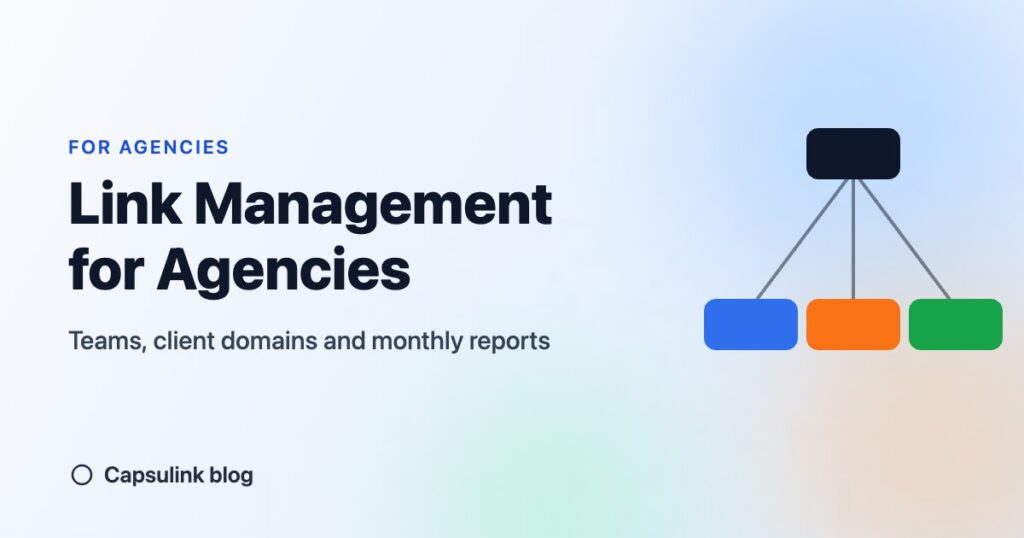

An agency running links for several clients needs three things a single-user account doesn’t give: links grouped by client, each client’s own short domain, and access for staff without sharing one password. Capsulink handles this with Teams on the Business and Ultimate plans. Below is a setup that keeps clients apart and makes the monthly report quick to build.
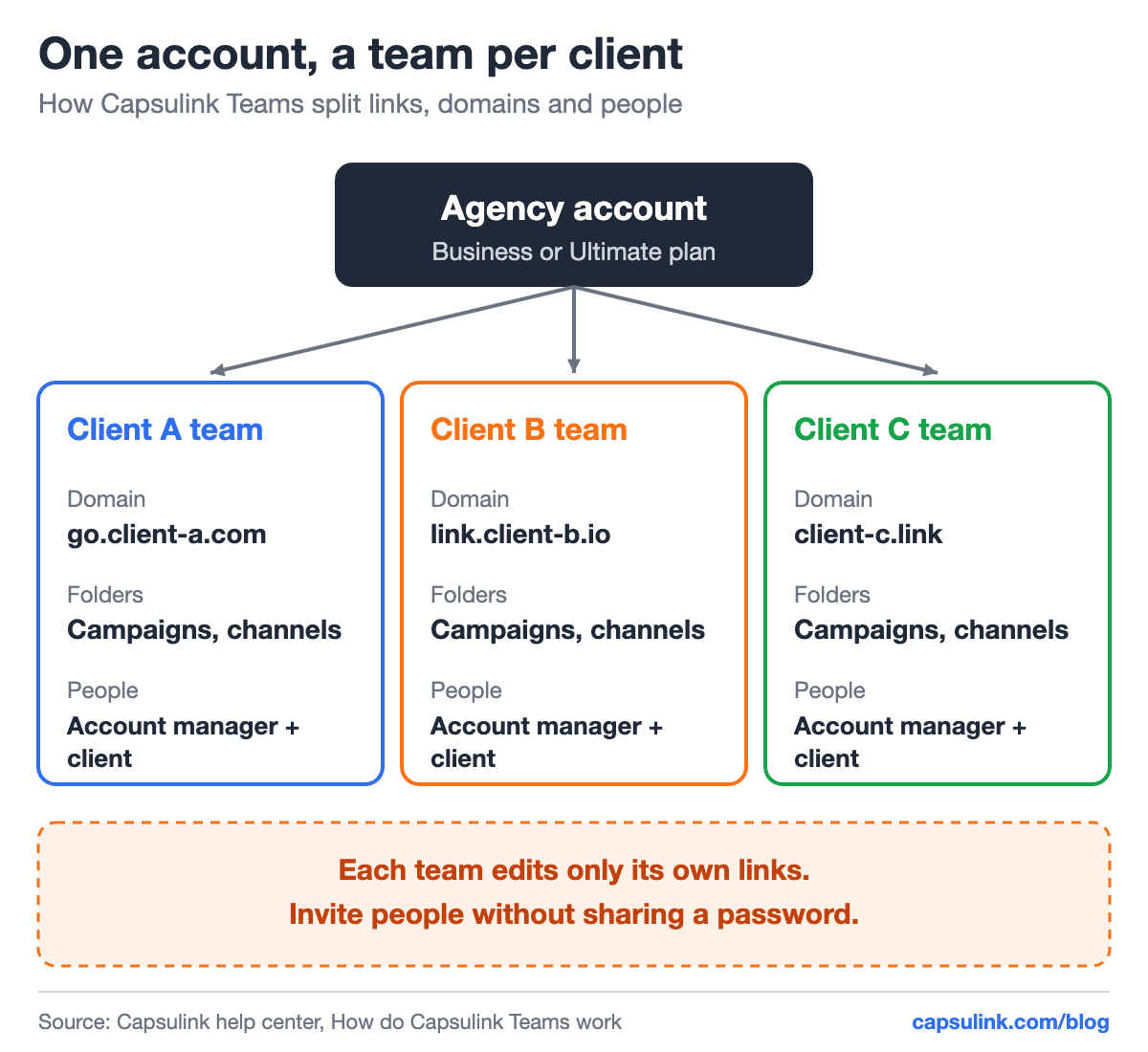
A team per client, each with its own domain, folders and people.
Pick the plan by domains and seats
Teams are not part of Pro. The Capsulink help center lists Business with up to 10 teammates and Ultimate with up to 40 (How do Capsulink Teams work?).
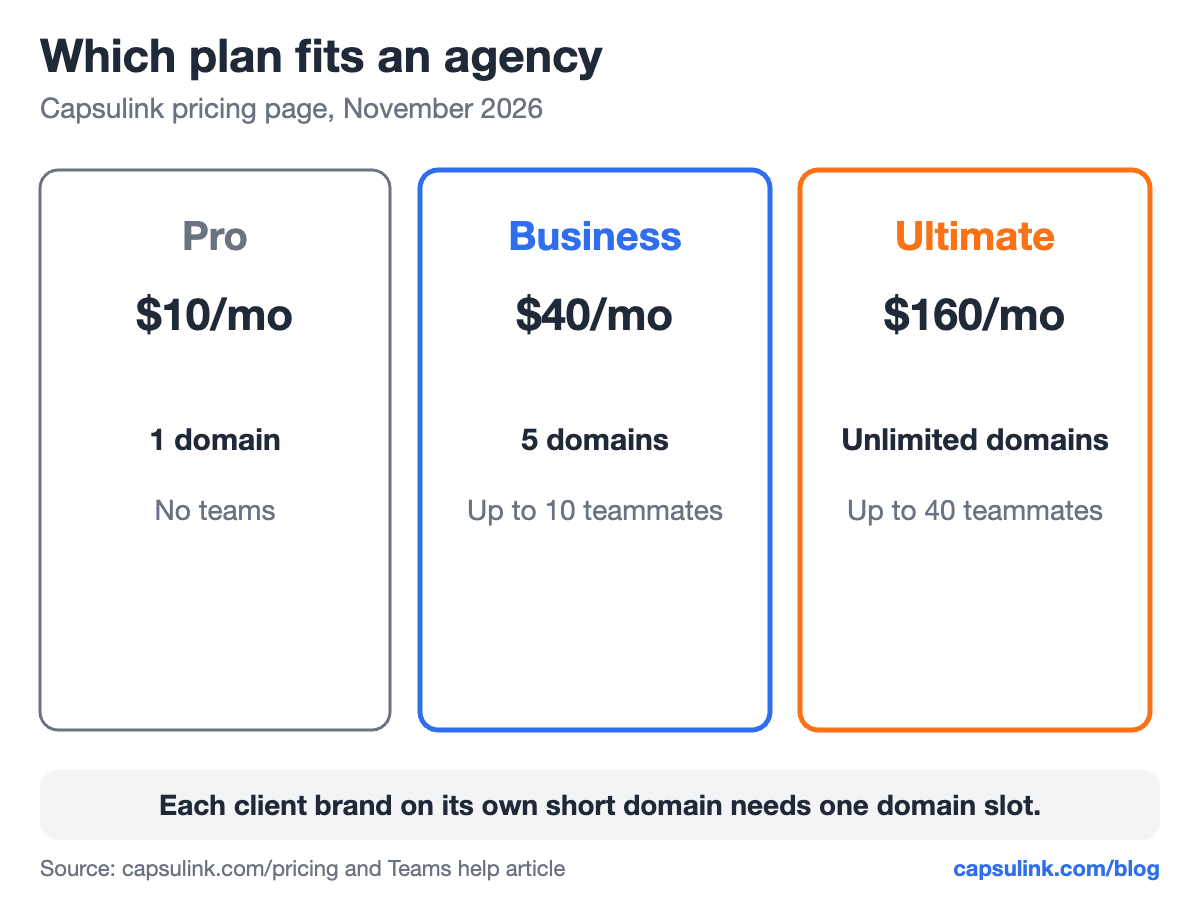
Plan limits that matter for an agency, from the Capsulink pricing page.
| Plan | Price | Custom domains | Teammates | Clicks per month |
|---|---|---|---|---|
| Pro | $10/mo | 1 | No teams | 50,000 |
| Business | $40/mo | 5 | Up to 10 | 500,000 |
| Ultimate | $160/mo | Unlimited | Up to 40 | 5,000,000 |
Count client brands first. Each brand that wants links on its own domain, like go.client-a.com, uses one domain slot. Prices are from Capsulink pricing.
How Teams keep clients apart
The rules from the help center decide how to set things up:
- Each team edits only its own links. A team can’t edit links on the same domain if another team created them.
- The owner shares domains and folders. The team owner chooses which custom domains each team can use. One domain or folder can be added to several teams.
- Links created inside a team are shared with all its members.
- Links made before joining stay personal. Links created before the team existed stay in the personal account. Support can move them.
- No shared passwords. People are invited to a team with their own login.
Create the team before anyone makes links for that client, so every link lands in the right place from day one.
One short domain per client
A client’s own short domain, such as go.client-a.com, keeps their links recognizable and away from the shared reputation of public short domains (why short links get blocked). Ask the client’s IT team for one DNS record: a CNAME for the subdomain pointing to cname.capsulink.com. Full steps and fixes are in the custom short domain setup guide.
Set the main redirect and the Not Found (404) redirect for each client domain to the client’s homepage, so mistyped links still land somewhere useful.
Folders and naming that survive staff changes
Use folders inside each client team for campaigns or channels, and agree on one naming pattern for slugs and UTM tags. A simple pattern like campaign-channel (spring-newsletter, spring-instagram) lets anyone find a link in seconds. Keep UTM values lowercase: the Capsulink GA4 help article notes that GA4 treats Facebook and facebook as different sources (Track campaigns and conversions from short links in Google Analytics 4).
More on tag naming in the UTM parameters guide.
The monthly client report
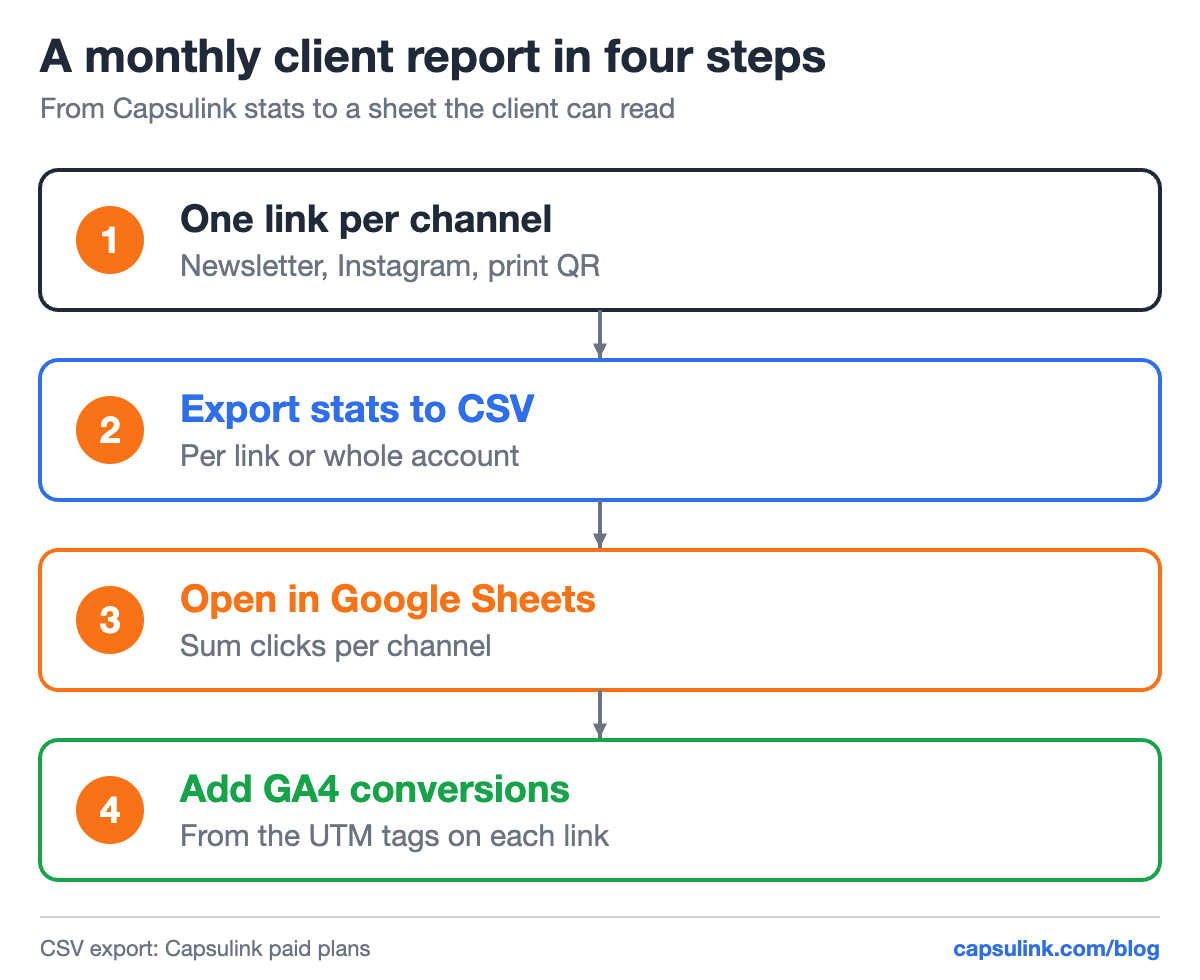
From one link per channel to a report the client can read.
Statistics export to CSV on paid plans, per link or for the whole account (How to view and export your link statistics). With one short link per channel, a pivot table in Google Sheets gives clicks per channel. Conversions come from Google Analytics through the UTM tags on each destination.
Two settings protect client data. Private statistics hide a link’s public + stats page (Private short link analytics), useful before a launch. Retargeting pixels can be added per link for clients who run ads (Setting up retargeting links).
Automate link creation
For clients with many links, Capsulink connects to Zapier, so a new row in a sheet or a new product can create a short link automatically (How to integrate Zapier with Capsulink). Existing links from another tool come in by CSV import (How to import links from another URL shortener (CSV)?) or, for Bitly, with the built-in import (Import your Bitly links into Capsulink).
FAQ
Can I give a client access to only their own links?
Yes. Create a team for the client and invite them. Each team sees its own links and edits only those.
How many client domains can I connect?
Business includes 5 custom domains and Ultimate has no domain limit, according to the Capsulink pricing page.
Can several teams use the same domain?
Yes. The team owner can add one domain to several teams. Each team can still edit only the links it created.
How do I report link clicks to clients?
Export the statistics to CSV, sum clicks per channel in a spreadsheet and add conversions from Google Analytics through the UTM tags.